
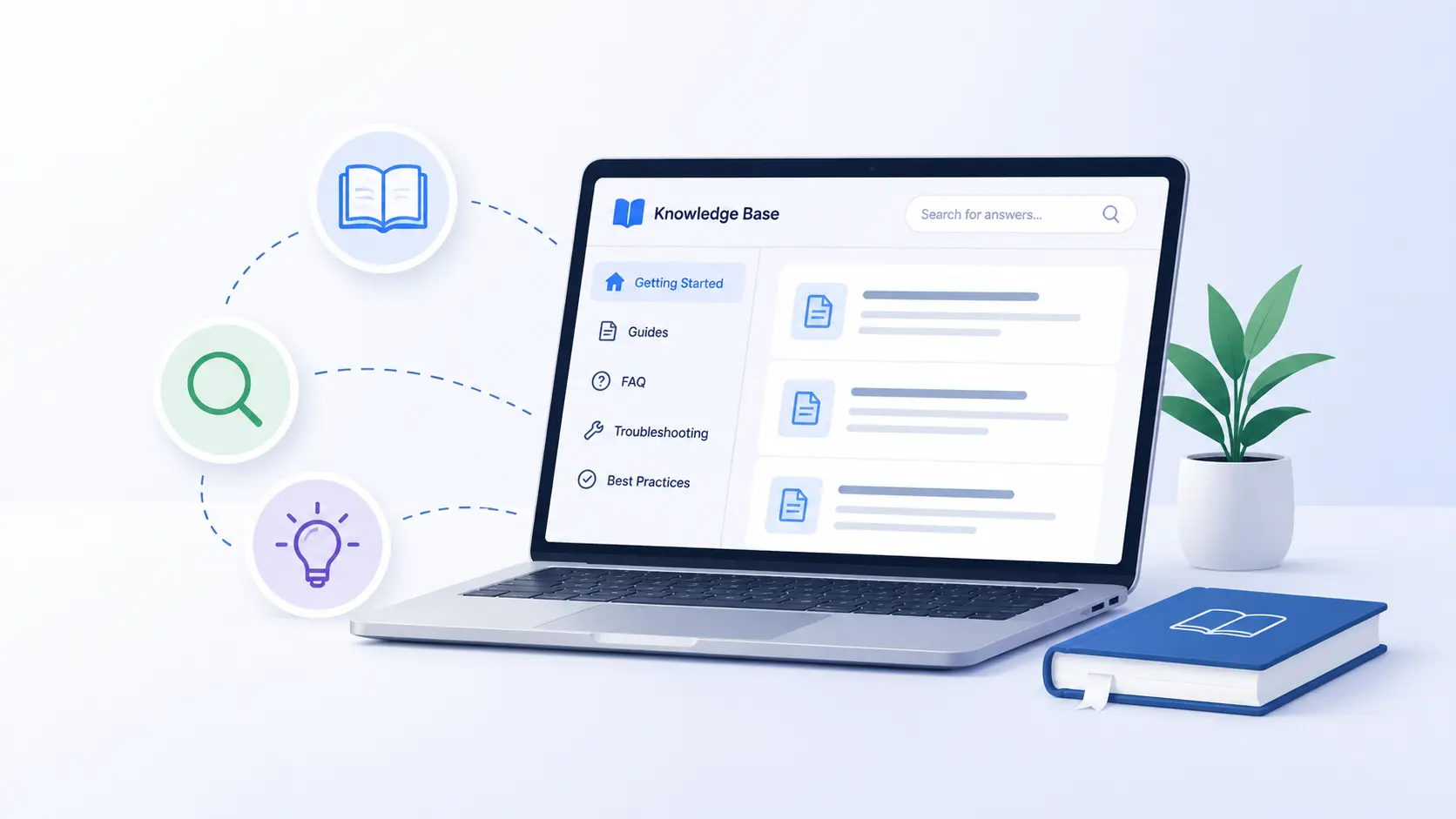
By 2026, information is moving at a faster pace than ever, but for most organizations, getting the right information still move slowly.
Your support team gives the same answers hundreds of times per week. Your new employees come in and ask the questions that are already answered somewhere in an email, in a Slack thread, or in a Google Doc that no one can find. When your customer gets confused, they give up on your journey because they don’t find the help they need.
There is software called knowledge base software that can solve all of these problems.
And businesses are taking notice. The global knowledge base software market was worth $2.1 billion in 2024 and will reach more than $5.5 billion by 2033, representing more than 11% CAGR, which is a clear indicator that centralized knowledge management is no longer a choice of infrastructure, but a competitive necessity.
This guide will help you understand what a knowledge base is, how knowledge base software works under the hood, the types of knowledge bases, the features that really matter, and why businesses in 2026, from startups to enterprises, are making it a necessity, not an option.
What is a Knowledge Base?
A knowledge base is a digital library that businesses use to store, organize, and share information internally with employees or externally with customers. It allows the provision of answers, documentation, policies, and guides without human interaction.
The definition of a knowledge base in its basic form: A searchable library of answers.
It can contain:
- FAQs and troubleshooting guides
- Step-by-step product documentation
- Company policies and HR guidelines
- Materials and training content for onboarding
- Standard operating procedures (SOPs)
- API documentation and developer guides
The meaning of the knowledge base has changed a lot in the past decade. It began as static FAQ pages on early websites, but has since evolved into a dynamic, AI-powered, real-time information ecosystem that integrates seamlessly into your workflows, help desks, CRMs, and communication tools.
What Is Knowledge Base Software?
Knowledge base software is the platform that enables you to create, organize, manage, and deliver your knowledge base. It provides your team with the tools to write and publish articles, categorize content, manage access to content, monitor content performance, and continually improve content based on actual user behavior.
It’s like the CMS (content management system) for your organization’s institutional knowledge.
Knowledge base software is designed for information discovery, unlike a shared Google Drive or a folder of PDFs. Each feature is built with one thing in mind: to deliver the right information to the right person at the right time.
In 2026, the best knowledge base systems will have layers of AI capabilities on top of this semantic search, generative article writing, automatic gap identification, and conversational interfaces that enable users to ask questions in natural language and get direct answers.
What is Knowledge Management?
A knowledge base is a part of the larger field of knowledge management. It’s the systematic approach to capturing, distributing, and effectively utilizing organizational knowledge.
What is knowledge management in practice?
It covers how your company:
- Learns from the skills of the senior staff
- Records processes prior to it becoming tribal knowledge
- Shares knowledge within teams
- Updates and removes old information
- Determines if information is being used
A knowledge base system is the actual tool that enables knowledge management to scale. Even the best-documented organisations have trouble getting knowledge to the people who need it without software to centralise and surface that information.
How Does a Knowledge Base Work?
Knowing how knowledge base software functions can assist you in determining which platform is best for you. Here’s the flow:
Step 1: Content Creation
Whether you’re a support agent, technical writer, HR team, or product manager, you can compose knowledge base articles with a built-in editor. Rich text, markdown, images, videos, embedded code snippets and downloadable attachments are supported on modern platforms.
Step 2: Structuring & Categorization
Articles are grouped into categories and subcategories based on how users think, not on the organizational structure of your teams. Tags provide an additional layer of discoverability. At this stage, good knowledge base management will avoid the mess of a pile of content that becomes useless over time.
Step 3: Publishing & Access Control
Content is shared with the appropriate target audience. Internal articles are sent to employees, external content is sent to customers. Role-based access controls allow the right people to access the right information and sensitive data remains secure.
Step 4: Discovery through search
Natural language search is used by users. The top platforms of 2026 leverage AI-based semantic search, which goes beyond keywords and understands the intent behind a query. If the user types “how do I reset my account”, they will find the password reset guide even though the phrase is not in the title of the article.
Step 5: Analytics & Continuous Improvement
The platform is monitoring what is searched, what is clicked, what is rated as helpful, and what is searched without results – and that is what is critical. This information is used to continually enhance content. Your To-Do list is a list of failed searches.
Types of Knowledge Base Software
Not all knowledge bases are created for the same audience. There are three main types:
1. Internal Knowledge Base
An internal knowledge base is created for employees. It holds operational knowledge: onboarding guides, HR policies, product training, team wikis, process documentation, and SOPs.
Internal users:
- HR teams, operations managers, engineering teams, sales enablement, and customer support.
Examples of knowledge bases (internal):
- A wiki to document deployment procedures.
- A Human Resource portal that includes leave policies, benefits guides, and org charts.
- A sales playbook that includes objection handling scripts and competitor battlecards.
The cure for tribal knowledge is the internal knowledge base.
2. External / Customer Knowledge Base
An external knowledge base is customer-facing. It drives your help center, support portal, and product documentation. It is used by the customers to self-serve their queries without involving the support team.
Users:
- End customers, product users, partners, developers.
Examples of knowledge bases (external):
- A SaaS product’s feature guides for help centers.
- An e-commerce brand’s shipping and returns FAQ.
- A developer portal that includes API documentation.
3. Self-Service Knowledge Base
The external-facing version, usually optimized for autonomous problem-solving, is a self-service knowledge base. It’s organized, searchable, and frequently AI-powered to allow customers to handle issues end-to-end without human interaction.
Salesforce’s State of Service report states that 61% of customers would prefer to use self-service for simple support issues. That’s just continuing to rise in 2026, when AI-powered self-service is increasingly indistinguishable from and sometimes faster than human service.
Knowledge Base vs Wiki: What’s the Difference?
| Feature | Knowledge Base | Wiki |
| Editing | Controlled (designated authors) | Open (any user can edit) |
| Structure | Hierarchical, curated | Flat, collaborative |
| Use case | Official documentation | Collaborative team notes |
| Search | Advanced, AI-powered | Basic |
| Access control | Granular | Typically open |
| Best for | Customer support, ops | Internal collaboration, brainstorming |
A knowledge base vs wiki comparison reveals that wikis (like Confluence or Notion pages) prioritize collaboration; knowledge bases prioritize accuracy, structure, and discoverability. Many organizations use both wikis for working documents and knowledge bases for finalized, reliable content.
Key Features of Knowledge Base Software in 2026
The functionality has come a long way. What to look forward to in 2026 with a competitive platform:
AI-Powered Semantic Search
The most crucial characteristic. Users type in natural language queries such as “my payment didn’t go through,” and the system brings up relevant articles immediately. In 2026, this takes a step further: AI summarizes the answer directly in the search results, and users don’t even have to open an article.
Rich Content Editor
A WYSIWYG or markdown editor with support for images, videos, tables, code blocks, callout boxes, and embedded media. Version history and change tracking are essential for content governance.
Smart Categorization & Tagging
Multi-tag hierarchical category trees. AI auto-suggests categories and tags as authors write, minimizing inconsistencies in content categorization.
Role-Based Access & Permissions
Granular permissions for viewing, editing, publishing, and deleting content. For enterprise deployments, SSO (Single Sign-On), LDAP integration, and audit logs for compliance are required.
Advanced Analytics Dashboard
Track: most viewed articles, search queries, failed searches, article ratings, deflection rate (tickets avoided), and user drop-off. Failing search analytics are particularly useful — they identify gaps in content in real time.
AI Content Generation
In 2026, the top platforms create draft knowledge base articles from support tickets, Slack threads, or product changelogs. AI handles initial drafts, authors review and publish.
Multi-Language Support
Documentation in various languages is required for global businesses. The ideal platforms have workflows, routing by locale and AI-powered translation within the platform.
Deep Integrations
A knowledge base without a search engine is half as useful. Essential integrations in 2026:
- Help desks: Zendesk, Freshdesk, Intercom agents pop up articles during the conversation
- Employees can find answers without leaving chat, with Communication: Slack and Microsoft Teams.
- CRM: Salesforce — sales and CS teams access playbooks in context
- The AI chatbot’s response library is fed by the knowledge base.
Mobile-First Design
Knowledge bases are accessed by support agents and customers more and more on mobile devices. In 2026, responsive design and native mobile apps are expected.
Feedback & Rating System
Article level thumbs up/down, star ratings and open comment fields. Signals that influence editorial queue content prioritization.
Benefits of Knowledge Base Software
Dramatically Reduce Support Ticket Volume
Each self-service article that is well written deflects inbound support requests. Organizations with well-developed knowledge bases report 20-40% fewer tickets in the first six months after deployment. At scale, that means saving on headcount.
Accelerate Employee Onboarding
An organized internal knowledge base reduces the time to productivity for new employees. Documentation is on-demand, searchable and always up-to-date, rather than repeated training sessions.
Reduce Tribal Knowledge Risk
If critical processes are only in someone’s head, then the business is one resignation away from losing them. A knowledge base is a system that captures institutional knowledge and makes it the property of the organization.
Providing consistent answers across all channels.
Lacking a single source of truth, support agents provide inconsistent answers. A knowledge base guarantees that all agents, chatbots and self-service articles point to the same, approved content.
Scale Support Without Scaling Headcount
If you don’t have self-service infrastructure, then as your customer base expands, so does the support demand. A knowledge base can scale up to meet demand without scaling up support staff.
Enhance Customer Satisfaction (CSAT)
Customers who are able to solve issues immediately through self-service are more satisfied than those who have to wait for a human agent. Support CSAT is all about speed in 2026, and self-service is the fastest channel.
Empower AI Chatbots That Work!
AI chatbots in 2026 will be as effective as the knowledge they are fed. The backbone of your AI-powered support layer is a well-structured, accurate knowledge base.
SEO Value from External Documentation
Customer-facing knowledge bases create organic search traffic. Help articles that are well written rank on Google and attract users looking for answers to product-related questions, which means that they are acquired and supported at the same time.
Who Needs Knowledge Base Software?
Knowledge base software delivers value across virtually every industry and team size, but the ROI is especially clear in these contexts:
SaaS Companies:
Product documentation, onboarding guides, and self-service support are core to the customer experience and retention.
E-commerce businesses:
Shipping, returns, sizing, and payment FAQs deflect high-volume, low-complexity support queries.
Financial Services & Fintech:
Compliance documentation, regulatory guides, and internal SOPs require structured, access-controlled knowledge management.
Healthcare Organizations:
Clinical protocols, patient FAQs, and staff training materials need version control and audit trails.
Enterprise IT Teams:
Technical runbooks, incident response guides, and system documentation are a direct operational necessity.
HR & People Teams:
Policy documentation, employee handbooks, and benefits guides are the most commonly requested internal knowledge base use case
Final Remarks:
A knowledge base is no longer a “nice to have” — in 2026, it is foundational infrastructure for any organization that communicates information at scale, which is every organization.
Knowledge base software puts structure, search, access control, and analytics around your institutional knowledge — turning scattered information into a strategic asset that reduces costs, improves customer experience, and scales with your business.
Whether you’re documenting your first SOPs in an internal wiki or deploying a multi-language, AI-powered self-service portal for millions of customers, the right knowledge base platform makes the difference between information that gets found and information that gets lost.
Frequently Asked Questions
What is the difference between a knowledge base and a wiki?
A wiki allows any user to create and edit content collaboratively. A knowledge base has controlled authorship, structured categories, and is optimized for finding accurate, official information. Most businesses use wikis for working collaboration and knowledge bases for finalized, reliable documentation.
What is the difference between knowledge base software and knowledge management software?
Knowledge base software focuses specifically on creating and delivering a structured content repository. Knowledge management software is broader covering the full lifecycle of organizational knowledge, including capture, transfer, and governance. Many platforms now blur this line and offer both capabilities.
Is AI knowledge base software worth it in 2026?
Yes particularly for teams with high support volumes or complex documentation needs. AI-powered search, content generation, and gap detection meaningfully reduce the manual effort of maintaining an accurate, comprehensive knowledge base